Only downloading the PojavLauncher app file is not enough; you have to install it manually, which involves several steps. So, the detailed tutorial to download and setup PojavLauncher app on your compatible device.
Download and Install PojavLauncher For Android
The latest version of PojavLauncher is recommended for all Android 7.0 or above devices, so follow the given instructions carefully to install it.
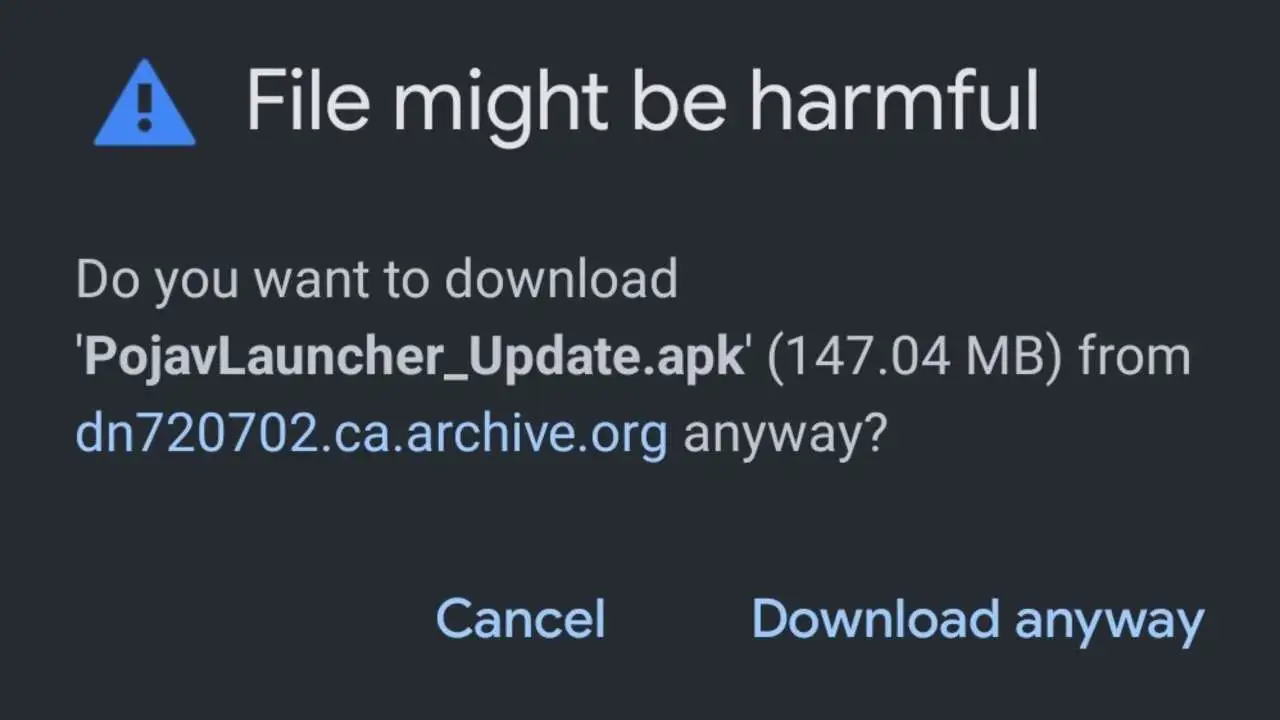
Download the latest PojavLauncher.APK file using this link
Use Chrome Browser on Android for a fast and reliable downloading procedure
Wait till the APK file is downloaded fully
Swipe down on your phone to open the notification bar and click on the Settings icon on the top/bottom right (depending on your device)
Scroll down and go to the Security & Privacy section
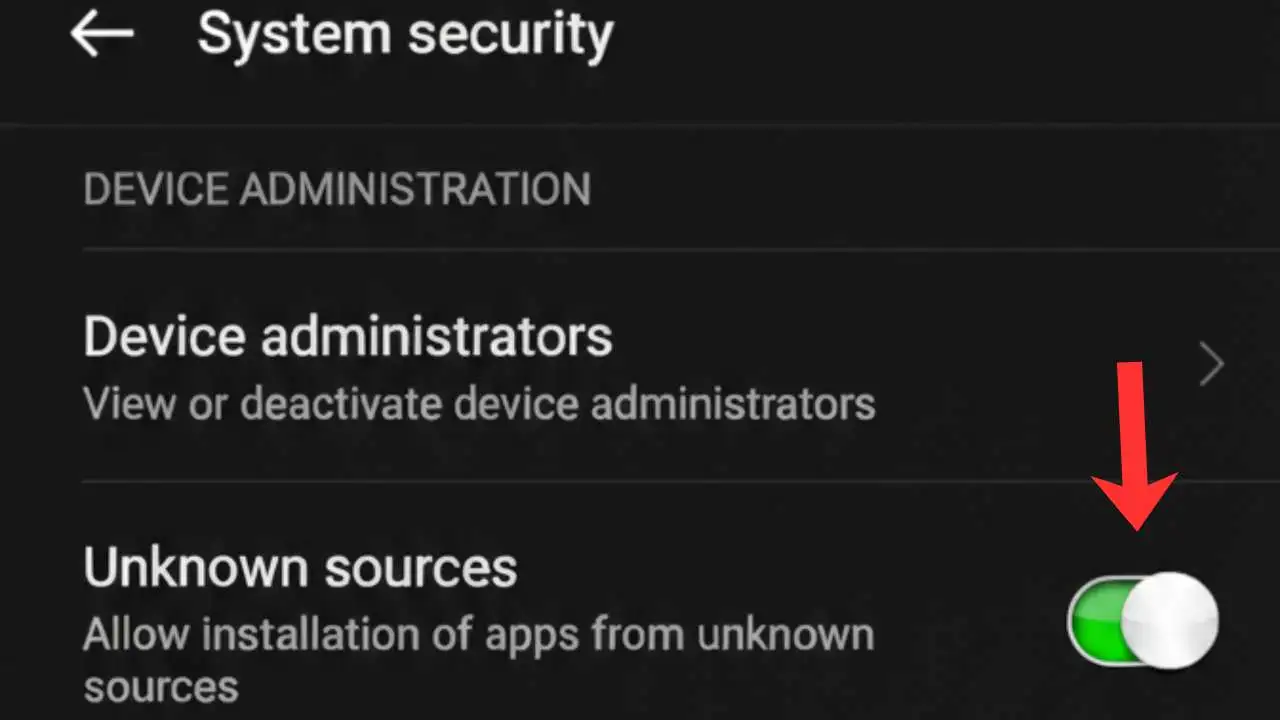
Toggle on the Unknown Sources / Install Unknown Apps option
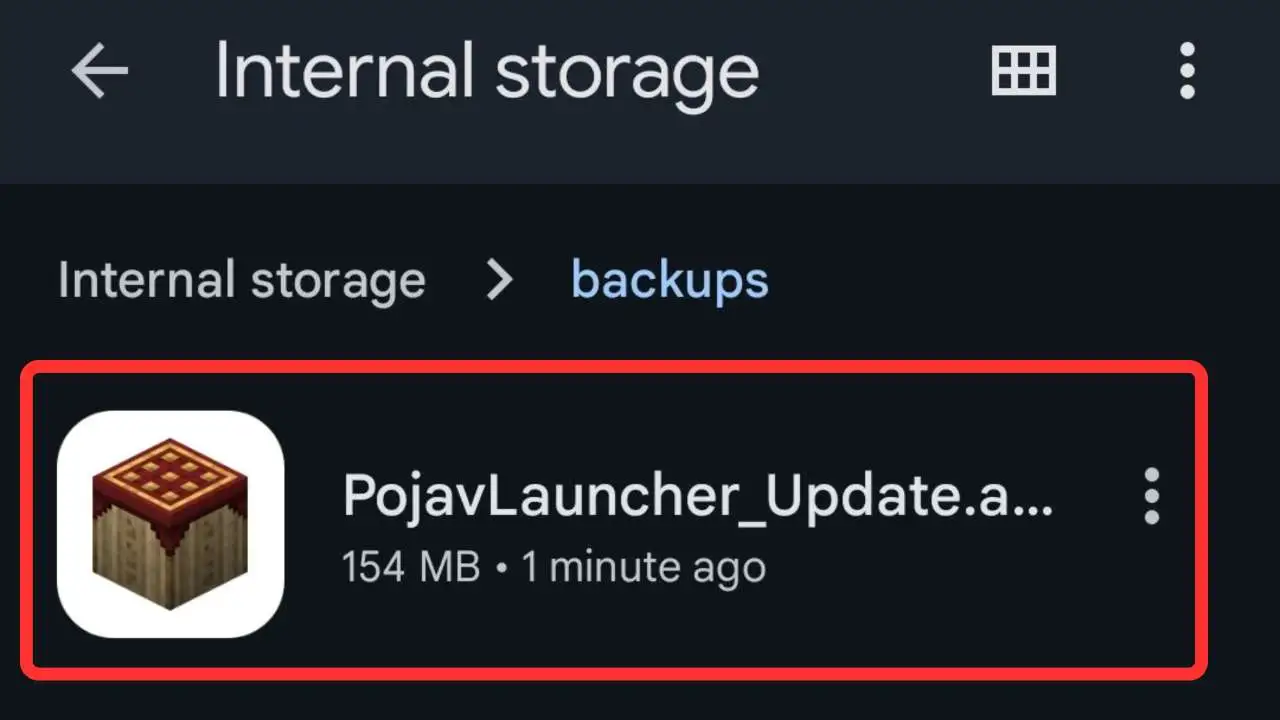
Open the File Manager or My Files app
Go to the Download Folder
Look for the PojavLauncher_Updated.APK file
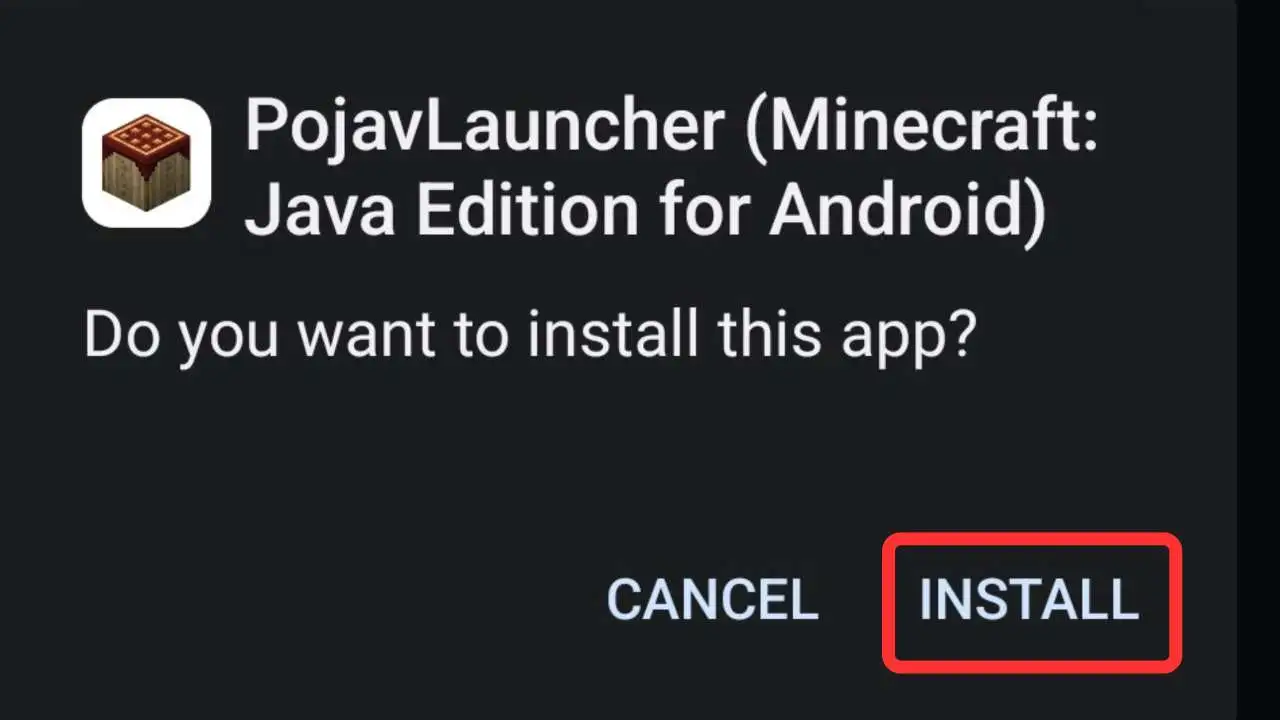
Click on the APK file and press Install
Don’t go back until installation is over
Now, go to the app drawer and tap on the app icon to launch it
Download and Install PojavLauncher For iOS/iPhone
For the installation of PojavLauncher on iOS devices, you’ll need:
➤ An Apple ID
➤ A Windows or macOS PC
➤ A USB or Charging Cable
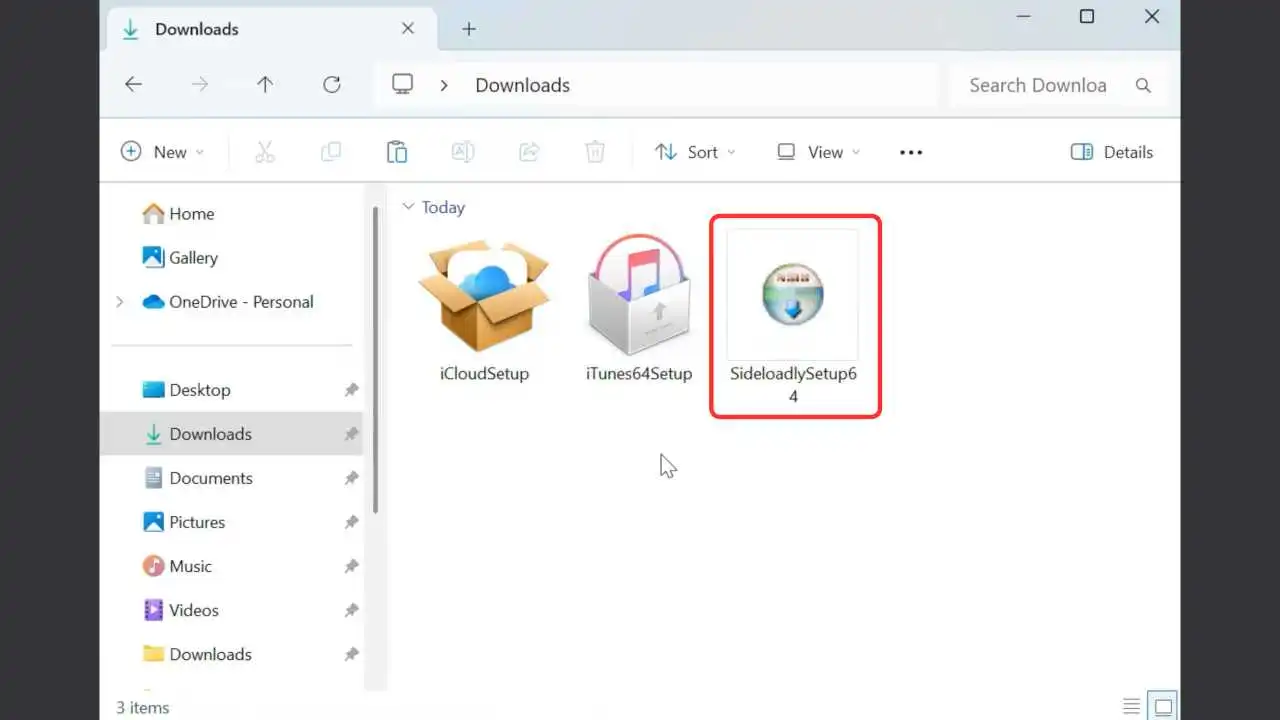
Start by downloading Sieloadly, a tool to sideload IPA files on any iOS device easily, with no jailbreak needed
Open a new tab in the browser and visit Sideloadly’s official website
Download the compatible Sideloadly app on your PC and install it
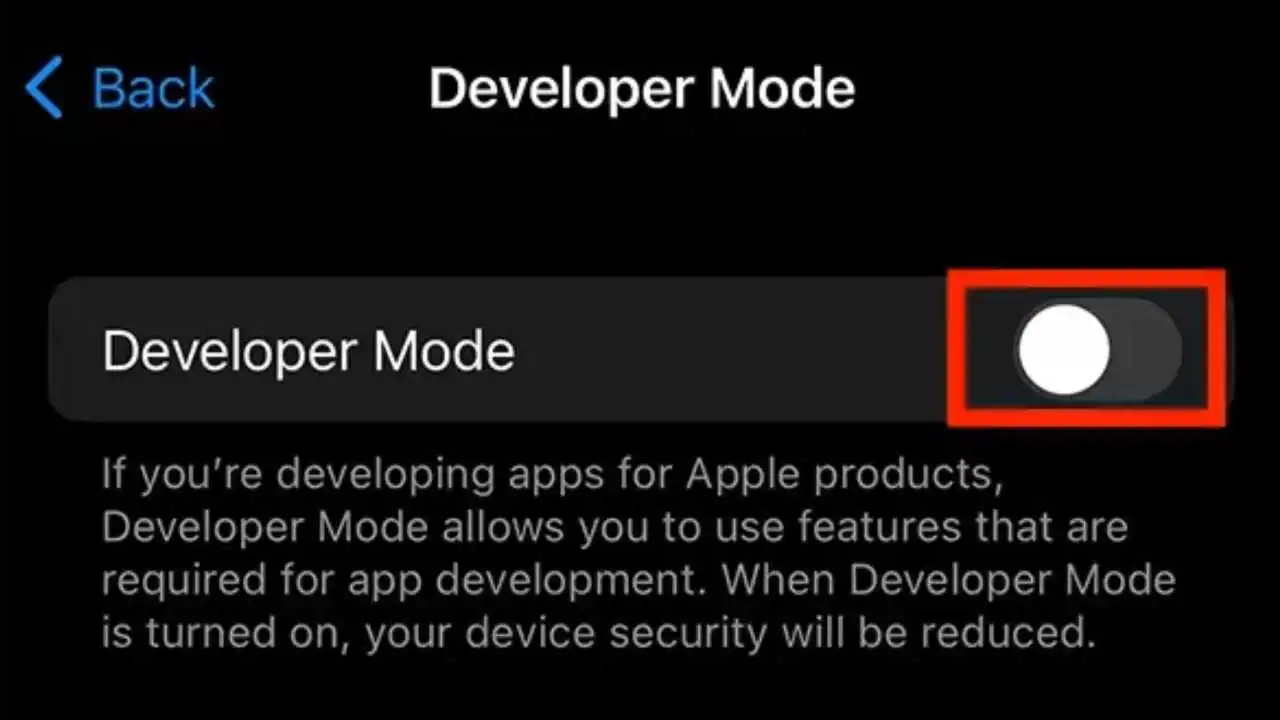
Go to the Settings of your iPhone and scroll down to Privacy & Security, then tap on it
Find an option labeled Developer Mode, so click on it and make sure to enable this option
On your PC, download the 2026 updated PojavLauncher.IPA file from here
Connect your phone to your PC via the USB cable
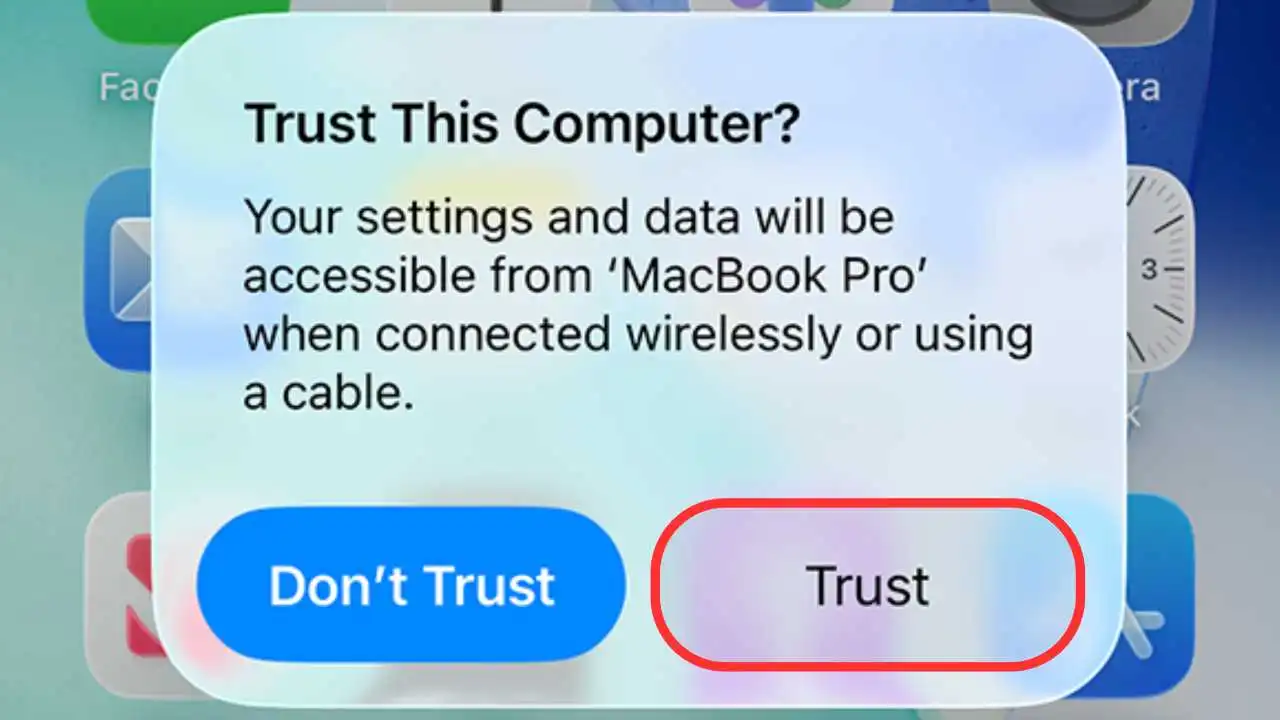
Unlock your iPhone and tap on Trust This Computer if asked
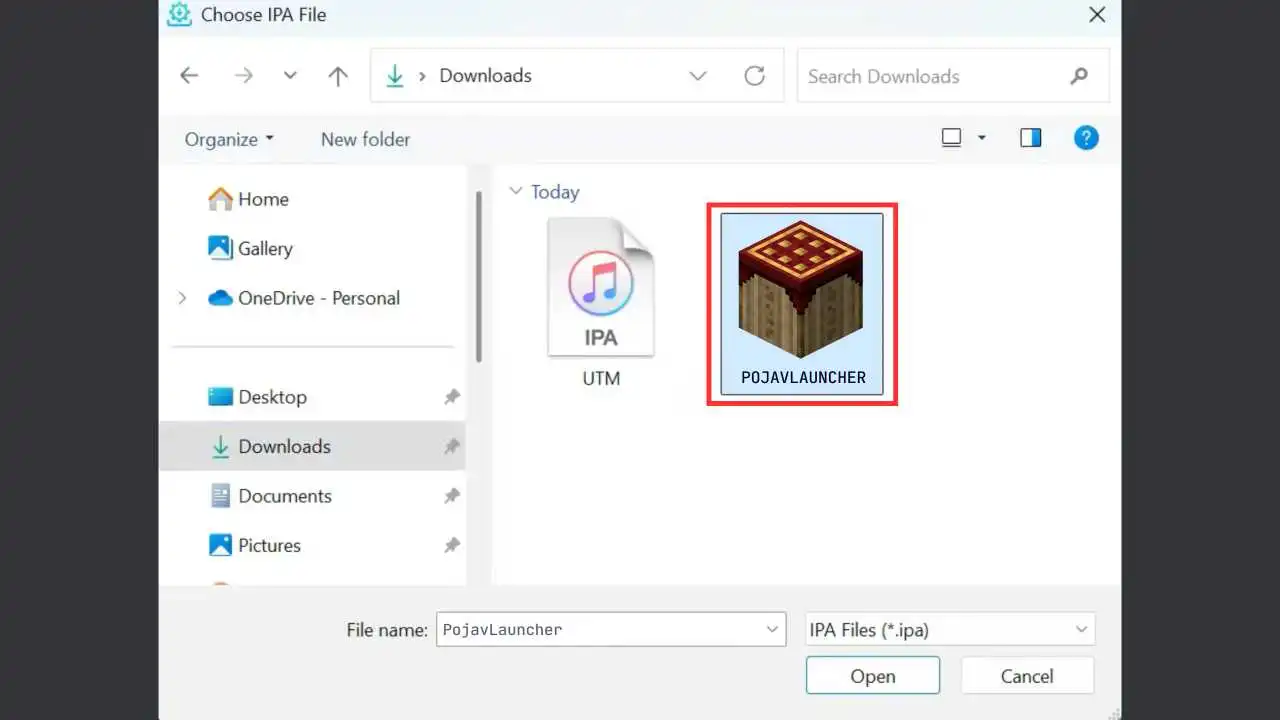
Launch Sideloadly, then drag & drop the IPA file
Use your Apple ID email and leave other settings as the default
Click on the Start button
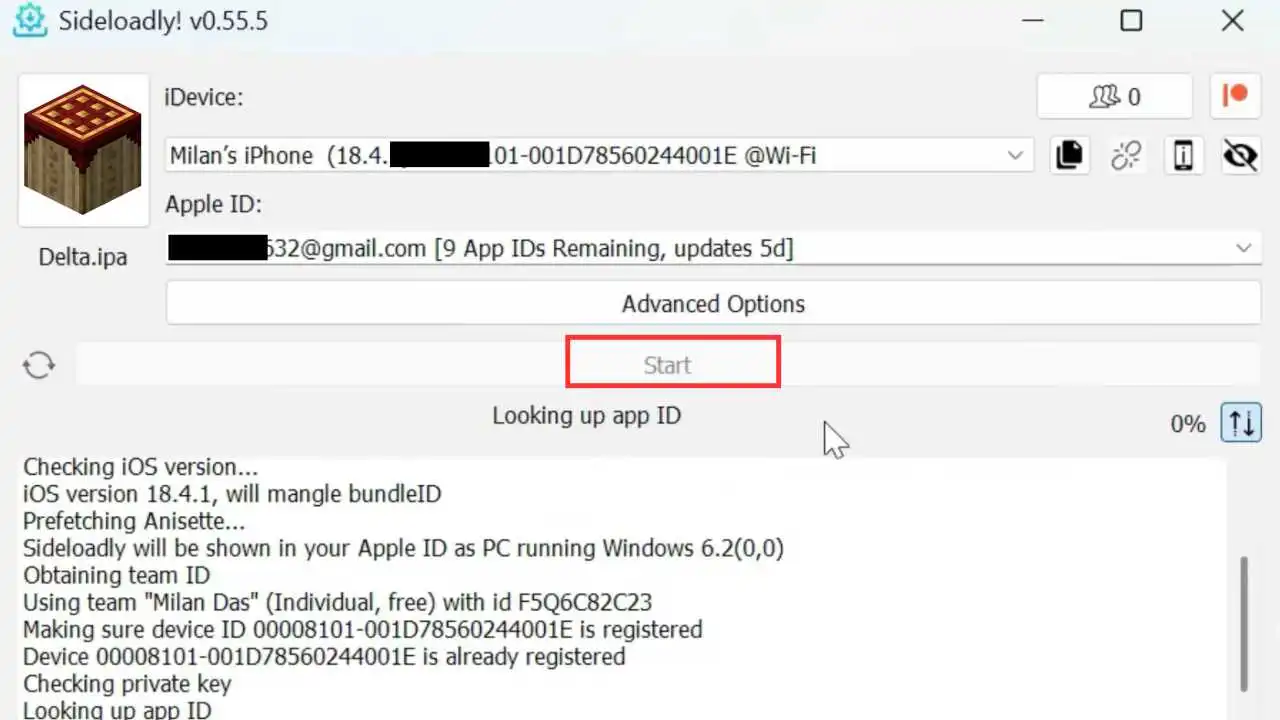
The processing may take a minute or two, so wait until it is done
Now, the PojavLauncher app is installed on your iPhone, but not yet ready to launch
Go to the Settings of your phone and tap on General, then VPN & Device Management
Select the PojavLauncher Developer name and click Trust to grant the required permission